
The update and the recovery are different jobs
GL.iNet’s November 23 notice lists stable security updates for routers and KVMs. The company says they remove identified malware while allowing settings to be kept. That gives owners a clear next step, but leaves a second decision: how much confidence should an update give them in a device that may already have been compromised?
The incident was identified on November 20. Closing a route into a system and removing what arrived earlier are different tasks. Owners need to know which job a claimed fix does, which device it applies to and what evidence would leave further recovery work open.
Owners should keep that scope intact. Removing a known implant, preventing another infection and deciding whether an account or connected computer needs attention are separate checks. A successful update can be important evidence for the first two without answering everything about the third. Treat the installation record as the beginning of a recovery record, rather than the last entry in it.
Source notes: 1.
Match the update to the exact model
The notice’s model-specific download list is the starting point. A larger-looking version number from a different product is therefore an unhelpful comparison. Read the model identifier on the device or in its administration interface and follow the corresponding link in the official notice.
For a household or small office with several devices, make a short inventory before changing anything. Record the model, installed firmware, whether cloud management is enabled and what depends on that device. A travel router stored in a drawer, the router carrying the office connection and a KVM controlling a server present different practical recovery problems.
Plan how to reach a remotely managed device if its connection changes during the work. A person on site or another trusted management route can make the difference between a completed update and a device nobody can reach. Keep a note of the settings you need to recreate, but separate that operational record from a decision to restore an entire old configuration.
Source notes: 1.
Why keeping settings deserves a separate decision
BleepingComputer’s November 22 report described persistence in examined malware samples and warnings about retaining old settings. Readers need to keep that date alongside the current instructions. An older warning is not a test of the newer update.
The distinction is still useful. A cleanup can recognise particular files or startup changes. Establishing that every retained account, access key and configuration choice belongs to the owner is a broader task. The manufacturer’s statement about identified malware does not turn an old configuration into a complete history of who changed it.
If the device is confirmed or reasonably suspected to be compromised, use the current model-specific recovery guidance and ask support about unresolved findings. Do not make an older forum reply your recovery plan. Keep the update, the choice about settings and any further investigation as separate entries, with the instruction date beside each one.
What a clean check can establish
A completed check with no finding, an incomplete check and a check that could not run are different results. Record which one you have. Then read the coverage and limits of the check before treating its result as a reason to reconnect a device or restore access.
Before clearing anything, retain the useful facts: the model, firmware version, time of the observation and a description of the warning or unexpected behaviour. Keep passwords and private keys out of screenshots or public support posts. If the result is unclear, that record gives support something more useful than an assertion that the router seems normal.
After updating, repeat the relevant check and confirm ordinary connectivity. If a suspicious finding remains, escalate it instead of repeating the same installation and assuming the repetition improves confidence. A device returning to service proves that it can perform a task; it does not by itself explain what happened during the incident.
Source notes: 1.
A KVM adds another recovery boundary
A remote KVM’s job is to let an operator use a connected computer from elsewhere. That creates a second boundary to consider when the management device is compromised. GL.iNet asks owners of infected KVMs to check the attached computer as well. The update status of the small box cannot settle the state of the machine behind it.
For a personal computer, that may mean reviewing unexpected access and account changes with appropriate technical help. For a business server, involve the person responsible for the host and its access controls before deciding the incident is closed. Avoid treating an apparently healthy desktop or a working remote session as the only evidence needed.
Access credentials need their own recovery plan too. BleepingComputer’s report advises rotating potentially exposed passwords and keys. Replacing an entry on the device is different from withdrawing the old credential wherever it is accepted. Keep that distinction visible in the work list, especially where a device connects to another service on the owner’s behalf.
What a useful closeout record contains
A small recovery record can be enough to prevent confusion later: which device was checked, which official instruction was followed, what changed, which warnings remain and who reviewed any connected systems. Give uncertain items an explicit next step. That makes it possible to revisit the case if the vendor narrows or expands its findings.
For each task, note who owns it. One person can be responsible for the router update while another checks the attached machine. Giving each open question an owner prevents a successful installation from closing unrelated work.
The immediate priority is to follow the latest official security update for the exact model. The longer decision is whether the evidence supports trusting the device, retained settings and connected access again. Keeping those decisions separate helps owners act promptly without making the update promise more than it says.
Sources & Methods
We read GL.iNet’s November 23 guidance against independent reporting published November 22 and manufacturer documentation. We checked the archive photograph’s source, declared date and licence.
- GL.iNet’s current security notice — Manufacturer guidance visibly updated November 23, 2026.
- BleepingComputer’s independent reporting — Independent reporting, November 22, 2026.
- GL.iNet KVM user documentation — Manufacturer explanation of remote control of attached computers.
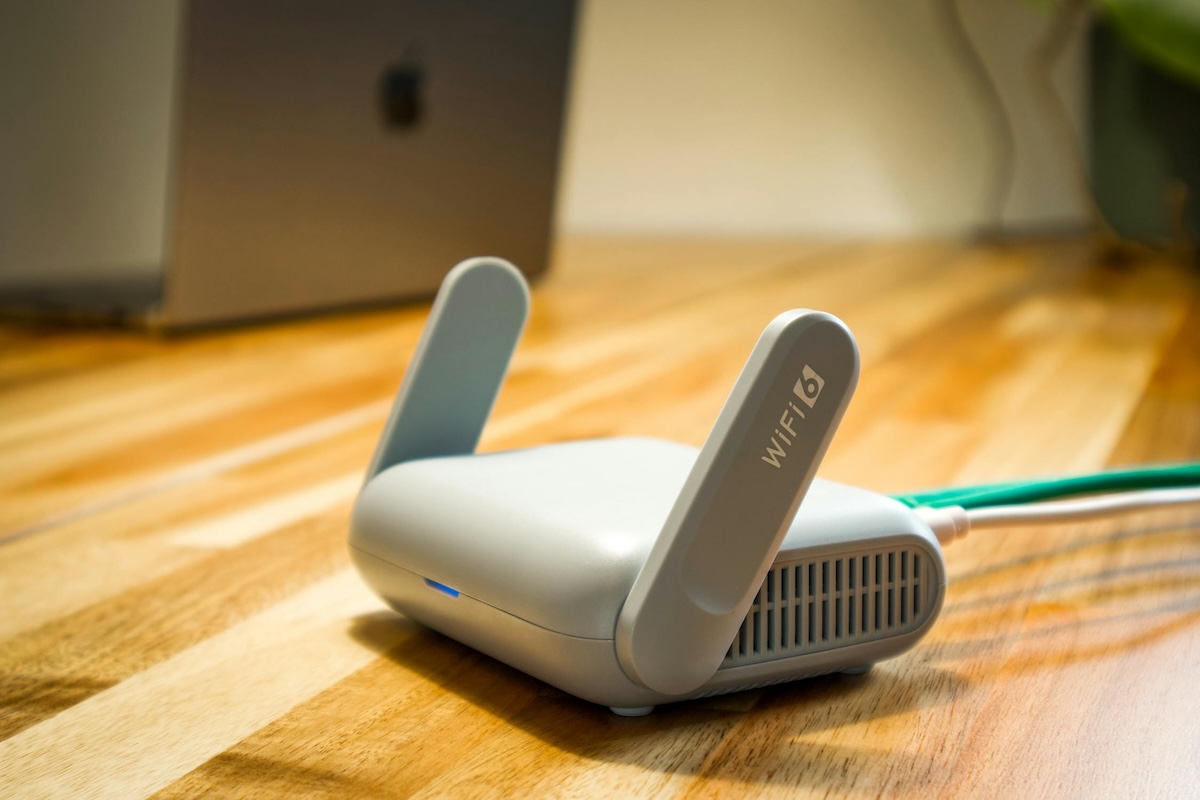
- Original router photograph — Creator’s own-work record, declared July 1, 2025, licensed CC BY-SA 4.0. Archive context only.
- CC BY-SA 4.0 — Attribution, licence-link and share-alike conditions for the photograph.
