
What Microsoft announced—and who is getting it first
Microsoft’s October 15 announcement introduces a Gallery, Editor and Viewer redesign for Windows 11 Photos, combining local, OneDrive and iCloud collections. Rollout begins with Windows Insiders; wider availability is planned later this year, not confirmed for every PC today.
The appeal is easy to understand: a photograph should not become difficult to find simply because someone used a different phone or saved it in a different place. A unified view can make a scattered collection more approachable. Our analysis asks a separate question: does the person using that view understand what they are looking at?
A screen containing several photographs is not, by itself, an account of where the full files exist or which changes will travel elsewhere. That distinction matters before editing, sharing or tidying a collection. The examples below are original planning exercises, not results from a Windows Insider installation.
Source notes: 1. Original editorial examples and interpretations are identified separately.
Begin with the photograph you actually need to deliver
Imagine a fictional photographer preparing a family-anniversary slideshow. One relative has sent phone pictures, another has supplied a folder from a camera, and the photographer has a selection from an earlier gathering. The assignment is not to organize every photograph ever taken. It is to deliver a small, accurate account of this family’s event.
First identify the deliverable: which gathering, who should appear, which images may be shared and where the finished selection will be shown. A visually similar portrait from last year might be attractive but wrong for the story. Searching by remembered appearance is a route to candidates, not proof of their date or identity.
Keep a short selection note beside the working folder: the chosen photograph, its supplied context and any uncertainty worth asking the family about. This is our suggested practice, not a new Photos feature. A single clarification can be more useful than a long session of searching when the missing information was never in the image.
Source notes: 1. Original editorial examples and interpretations are identified separately.
Make the working file available without confusing it with a separate copy
Apple’s iCloud for Windows guide distinguishes downloading from keeping an item downloaded: File Explorer can mark a selection to remain on the device. The same guide warns that a pinned photograph is still deleted from the computer if it is deleted on another device using iCloud Photos. Apple recommends a different folder for a separate PC copy.
For our imaginary slideshow, this means resolving the storage question before arriving at a venue with uncertain connectivity. Ask which selected files the presentation will actually use, rather than assuming that seeing their previews establishes readiness. A useful future check would open the intended working files without a connection; we have not performed that check.
Keep the distinctions visible in the folder names you choose: material received, working selection and finished delivery. Those names are our organizational suggestion, not a guarantee about any application’s synchronization. In particular, calling a folder Backup does not establish whether it is independent of the collection you are changing. Establish the relationship before relying on it.
Source notes: 2. Original editorial examples and interpretations are identified separately.
An attractive edit and an accurate record can be different deliverables
Microsoft describes original-format HEIC and WebP editing, HDR preservation, object removal and relighting. These are vendor-described capabilities, not output quality or behavior independently verified on a particular computer.
Return to the fictional family portrait. Adjusting its framing for a slideshow and removing a person from the background are not the same editorial choice. The latter changes what a viewer might think happened at the event. Even when the purpose is a pleasing personal image, keep the untouched received file apart from the creative version and describe meaningful alterations when context requires it.
For the final presentation, inspect the delivered file on the intended display, not only inside the editor. Consider whether the people, framing and appearance still match the purpose agreed with the family. This is a proposed review, not a claim about a defect in Photos, universal color accuracy or measured HDR compatibility.
An original filename is useful, but it is not a complete editing history. Add a comprehensible version label and retain enough context to identify the source. The goal is simple: somebody should be able to distinguish the family’s record from the version prepared for a particular screen.
Source notes: 1. Original editorial examples and interpretations are identified separately.
Do not make cleanup the first experiment
Apple’s deletion guide says that, with iCloud for Windows 14.2 or later, deleting an iCloud photograph through Microsoft Photos also deletes it from other devices with iCloud Photos enabled. That is a specific integration qualification, not a claim that every cloud service or local folder behaves identically.
Our recommendation is to finish the small assignment before attempting to clean the larger collection. Two similar-looking files might be different exposures, edits or deliveries. Review their role before treating similarity as a reason to remove one. The sensible question is what you intend to keep, not how quickly you can make a gallery look tidy.
If you need to learn a deletion or recovery workflow, use disposable copies in a deliberately isolated exercise and read the documentation for that exact storage arrangement. Do not use an irreplaceable wedding or family collection as the experiment. We have not tested recovery here, and the presence of a recovery option is not a reason to skip preserving important material separately.
Source notes: 3. Original editorial examples and interpretations are identified separately.
The useful upgrade is the one that finishes the assignment
Our editorial conclusion is practical rather than a software ranking: a better gallery is valuable if it helps somebody find the right photograph and finish the intended delivery. It should also leave them able to explain which source they preserved and which version they shared. A new interface cannot make those choices on the family’s behalf.
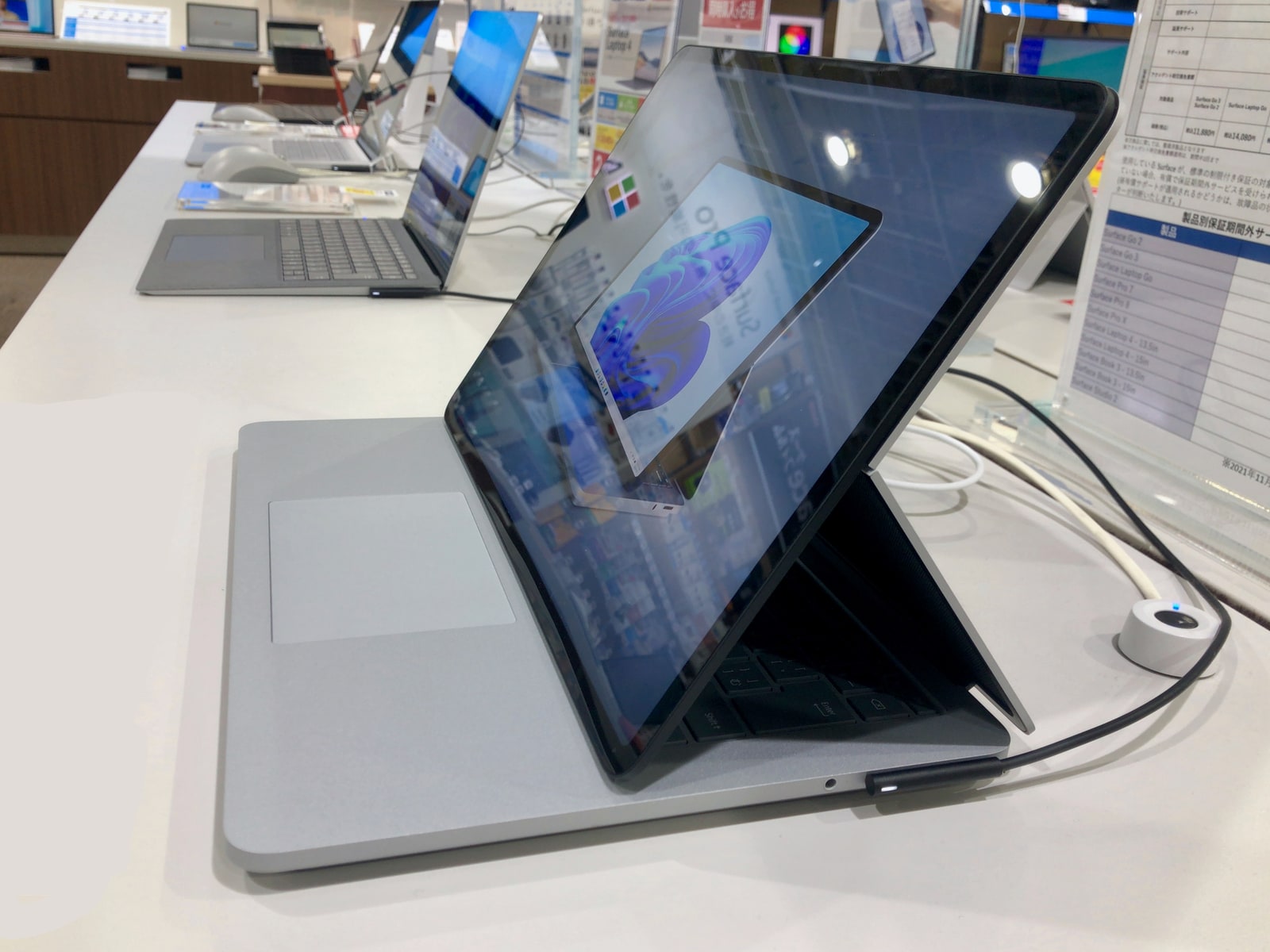
For now, treat the announcement as a reason to examine your workflow, not to move an important archive into an unassessed setup or buy another computer. Our accompanying photograph shows a Surface Laptop Studio in 2022, not the new Photos interface or a test of the rollout. Availability, individual-device behavior and the quality of the new tools remain separate questions.
Source notes: 1, 2, 3. Original editorial examples and interpretations are identified separately.
Sources & Methods
Prepared October 16 from the complete Microsoft announcement and two Apple guides. The family-photograph assignment, folder organization and delivery questions are original editorial analysis. No application installation, performance benchmark, search-accuracy test, edit comparison, offline check or recovery test was performed.
- Microsoft: October 15 Photos announcement — Primary release; complete body and rollout footnotes read
- Apple: keep iCloud photographs downloaded — Primary support guide; complete instructions and pinned-deletion qualification read
- Apple: deleting iCloud photographs — Primary support guide; complete body and version-specific Photos integration note read