
The record begins in the camera; the work does not end there
Canon’s May 11 announcement describes capture-time manifests, certificate services and trusted timestamps, with a workflow extending to editing, distribution and verification. It also reports a Reuters evaluation. That is Canon’s account of the evaluation, not an independently reproduced finding by Lumacta.
For a picture desk, the important buying question is not simply “does the camera support C2PA?” It is “will the file our audience receives still have a usable, understandable record?” Ask the supplier to demonstrate the intended chain before budgeting for activation. A successful camera demonstration is only one checkpoint.
Canon also distinguishes the camera’s internal capture clock from independently established time. A useful editorial consequence follows: do not treat a displayed capture time as conclusive evidence that an event happened at that exact moment. Corroboration still belongs in the reporting process.
Read the verification result, not just the badge
The C2PA explainer describes signed provenance associated with an asset: information about its origins and history, not a factual verdict on the scene. Metadata can also be removed. A photograph without an accessible credential is therefore not automatically fabricated, and a photograph with a valid one is not automatically accurate reporting.
| What the verifier reports | What to establish | Editorial next step |
|---|---|---|
| Valid credential and asset | The relevant signature, trust and asset checks passed. | Continue checking the source, caption, place and context. |
| No accessible credential | No provenance record is available through that check. | Request the original file and reporting context; do not label it fake on this basis. |
| Signature or data-hash mismatch | A validation check failed; identify which one. | Retain the file, request its earlier version and investigate the processing chain. |
| Untrusted signing credential | The verifier could not establish its applicable trust relationship. | Check the certificate/trust configuration; do not silently treat this as a passed result. |
The table translates the C2PA 2.4 validation specification into proposed desk actions. In particular, claimSignature.mismatch, assertion.dataHash.mismatch and signingCredential.untrusted describe different failures. A failure code alone does not establish a person’s motive.
Editing software introduces another explicit choice
Adobe’s Photoshop instructions describe Window → Content Credentials (Beta) → Enable. Its separate Export As guide documents credentials for JPG and PNG, with options to attach the record to the file or publish it to the Content Credentials cloud. Embedded metadata may be stripped during online distribution; cloud publication has a different disclosure and persistence trade-off.
Adobe also documents a preview of the information being included. Review that before export, especially where creator details or connected accounts would be inappropriate to expose. Choosing a cloud option is a publication decision, not an invisible technical improvement that an assistant or colleague should make for you.
These are examples of documented controls. They do not establish that a particular Canon firmware, activation service, Photoshop build and publishing system have been tested together. Record the actual versions and chosen settings when evaluating your own pipeline.
A small acceptance check before a paid rollout
Proposed procedure, not a Lumacta experiment: use a harmless still life with no private documents, identifiable bystanders or sensitive location. Name one person responsible for keeping the originals and another for recording what the receiving tool shows. That makes failures traceable without risking real assignment material.
- Capture and intake
Keep the original and its context
Record camera model, firmware, activation state, date and the verifier’s result. Keep the assignment note or caption separate from the cryptographic verdict.
- Edit and export
Run the work you actually publish
Make an ordinary crop and tonal adjustment in the intended editor. Record export settings and check the exported file again. Do not assume a different export preset behaves identically.
- Delivery
Inspect the reader’s file
Use an approved test environment. Retrieve the image actually served after upload, including the resized version a phone receives. Compare its result with the upload, rather than checking only the original on your workstation.
- Decision
Write down what failed and who owns the fix
Identify the first step where the result changes. Keep a dated record of the versions and settings that passed. Treat a later workflow change as a reason to repeat the check.
A sensible internal acceptance rule is that the desk can explain the original and delivered results, document any loss, and tell a reader what was actually verified. This is an editorial recommendation, not a C2PA certification checklist. We have not run this procedure or established how any particular publishing platform handles these files.
A signed image can still tell the wrong story
Consider a hypothetical photograph of a quiet queue outside a venue. Even if its file history is intact, a caption describing a crisis could be misleading. The unresolved questions are who was there, what they were waiting for and whether the caption describes the same occasion. A technical badge cannot conduct those interviews.
Our view is that provenance is most valuable as one extra accountable record, not as a replacement for a picture editor. Ask for originals where appropriate, preserve the context, and avoid treating missing credentials as a reason to dismiss otherwise verifiable eyewitness material.
Who should evaluate it now?
A newsroom or agency with controlled intake, editing and distribution has a concrete reason to run a pilot. An individual photographer should first ask whether clients can receive and use the record. Confirm the local activation quote and service terms; this article does not establish a universal price or availability.
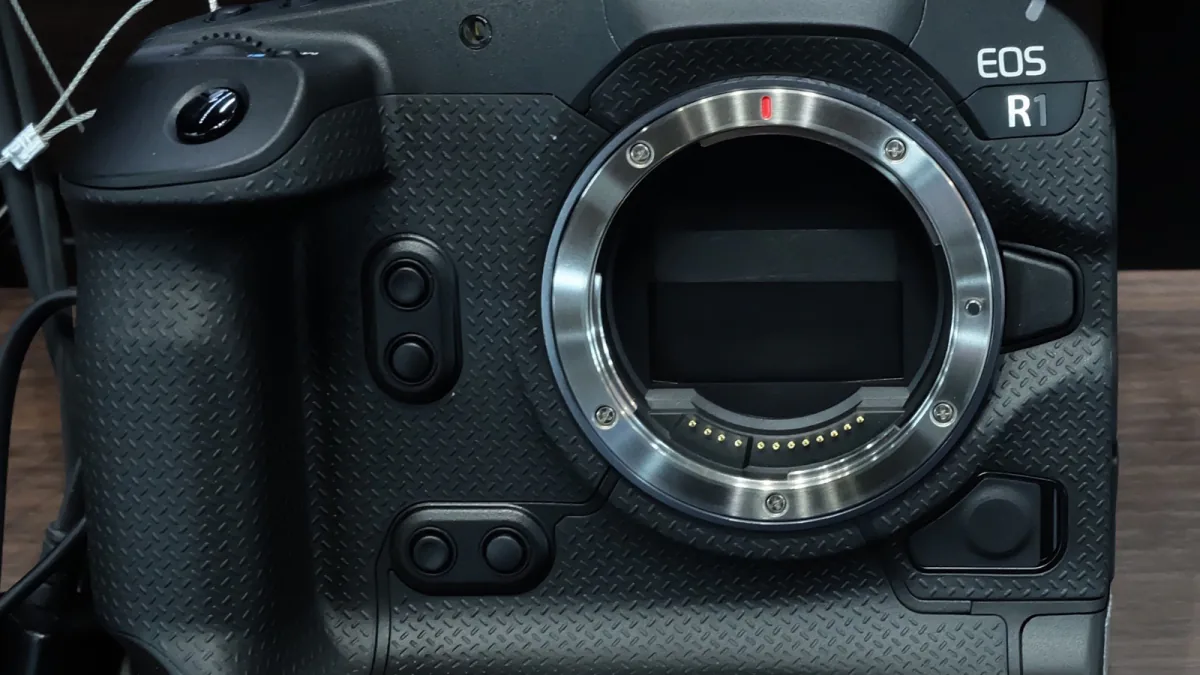
The public EOS R1 photograph illustrates the camera, not an activated or tested system. The useful outcome here is a clearer procurement and verification plan—not a claim that Lumacta has tested Canon’s service or that the technology guarantees truthful pictures.
Sources & Methods
Documentary review on September 23, 2026: Canon’s May 11 announcement, C2PA 2.4 specification/explainer, and Adobe help pages. Adobe instructions illustrate a documented editing workflow, not a verified compatibility test with Canon. The proposed newsroom procedure is editorial analysis, not a completed experiment. Original photograph and credit retained.
- Canon: Authenticity Imaging System announcement — Camera scope, activation, regional rollout and timestamp limitations; May 11.
- C2PA 2.4: Content Credentials explainer — Provenance, factual limits and removable metadata.
- C2PA 2.4: Technical specification — Validation status codes and trust-chain checks, notably sections 15.2 and 15.5.
- Adobe: Enable Content Credentials — Documented Photoshop control; updated August 25, 2026.
- Adobe: Export with Content Credentials — JPG/PNG Export As workflow and attachment/cloud options; updated February 23, 2026.
- Adobe: Preview Content Credentials — Reviewing information before export; checked September 23.
- Wikimedia Commons — Canon EOS R1 — image source and licence record
- Creative Commons — CC0 1.0 — image rights source
