
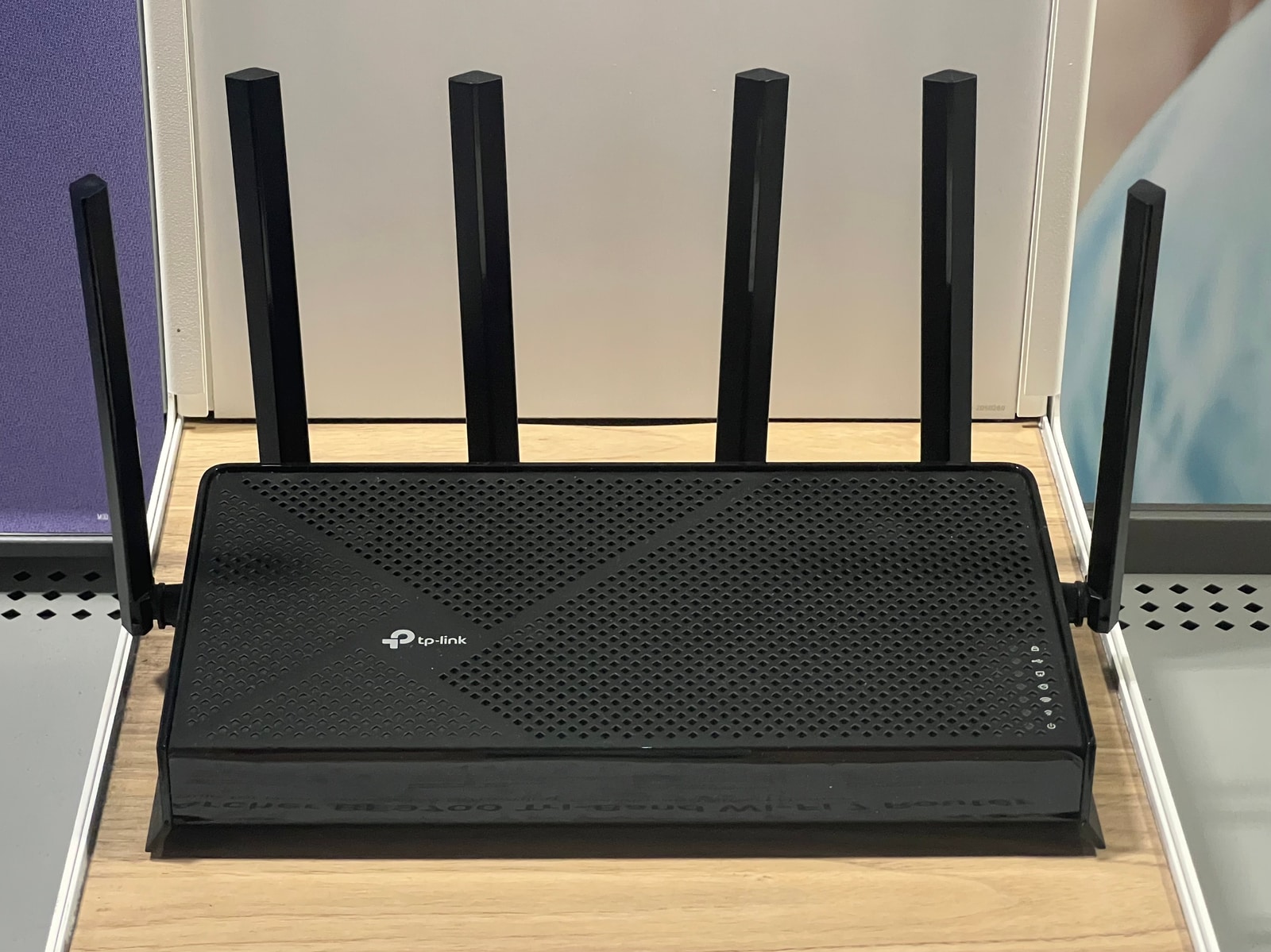
Two Wi-Fi 7 networks in the same building can now fit full-width 320 MHz channels into separate parts of the UK's ordinary indoor 6 GHz range. Before November 10, there was room for only one such channel at a time without overlap. A router that already had an excellent connection on the first wide channel may gain little. A newer laptop and access point that were competing for the same airtime now have another option, provided both can use the new part of the band.
The immediate change starts with a regulator's rulebook. It ends somewhere more mundane, in the channel your router selects and the connection your phone or laptop actually reports. That gap matters when choosing between a firmware update, a new access point and moving the one you already have. It also explains why the UK's separate plans to share more of 6 GHz with mobile networks tell you little about the speed you will see tonight.
What the UK opened in November
On November 10, the UK's amended exemption for short-range devices took effect. In the updated Ofcom interface requirements, low-power indoor Wi-Fi and qualifying very-low-power devices can operate in 5925–6585 MHz. The previous ceiling was 6425 MHz. The addition is 160 MHz immediately above the old limit. It extends the existing low-power range, so a wide channel can straddle the old boundary. Ofcom's October notice explains the change, and the amending instrument establishes the commencement date.
The home-router case is low power indoors. Ofcom caps that class at 250 mW mean equivalent isotropically radiated power. Its very-low-power class has a 25 mW limit and can cover qualifying portable outdoor uses. Both have further conditions, including limits on power density, and neither is a route for a fixed outdoor installation. The separate standard-power regime supports different equipment under coordination. Certification specialists iCertifi independently identify these as two distinct routes. For someone with an indoor hub, the important result is a bigger choice of channels under the familiar type of exemption.
On November 17, Ofcom also stopped approving certain new fixed-link applications that overlap 6585–7125 MHz in or around high-density areas or would be exposed to interference there. Those microwave links are connections between fixed sites, used for things such as network infrastructure. This step prepares the higher frequencies for future mobile use. It does not change the new 6585 MHz ceiling for ordinary indoor Wi-Fi. An existing fixed-link licence and a new application are different matters.
Why an extra 160 MHz can make room for 320
The width on a router's settings page tells you how much spectrum a connection can occupy. A 320 MHz channel combines sixteen adjacent 20 MHz slices. Its position follows a standard channel grid. A router cannot assemble an arbitrary set of detached frequencies into one contiguous channel just because the total adds up.
Using the 6 GHz channel grid tabulated by MathWorks, two placements illustrate what changed. These channel numbers identify the center of a 320 MHz block. Your router may display the number of its narrower primary channel.
- Channel 31 spans 5945–6265 MHz. It fit below the old 6425 MHz ceiling.
- Channel 95 spans 6265–6585 MHz. Its upper 160 MHz is the newly accessible part of the band.
- Channel 63 spans 6105–6425 MHz. It was also possible before the expansion and shares spectrum with both of the placements above.
The change adds a second non-overlapping placement. The existing overlapping placement remains available. The distinction matters if two access points each want a wide block. Putting one on 31 and the other on 95 separates them on the nominal channel plan. An access point using 63 can still overlap both. BroadbandSwitch's independent calculation reaches the same result. The alternatives matter even if you never select 320 MHz. The grid also makes room for another distinct 160 MHz channel, which a suitable narrower-width device could use.
More room helps most when neighboring equipment actually supports the band and needs airtime at the same time. Imagine two flats with their own networks and a laptop in each moving a large backup. Separate channel selections can reduce the competition for the same slice of air. If one flat has the only active 6 GHz network nearby and its laptop already connects comfortably at the old width, the new spectrum may make no visible difference. Neither example predicts a speed. Walls, distance, other traffic and the link each device establishes will shape the result.
Where the rest of 6 GHz fits
The upper 540 MHz, from 6585 to 7125 MHz, is the UK's mobile-priority portion. Ofcom's policy allows qualifying Wi-Fi equipment to use frequencies there through automated frequency coordination, or AFC, subject to what the system permits at the installation site. The same separate legal route can also support standard-power deployments elsewhere within the broader 6 GHz band. The UK dynamic spectrum regulations specify the device classes and the limits that an access point must request. The service uses information such as device location to decide which frequencies and powers are available. The statutory frequency range describes what the regime can cover. It is a wider envelope than any one device's grant.
That distinction is practical for a managed venue or outdoor network. An installation needs qualifying equipment, a registered service it can use and site-specific authorization of its operating parameters. Ofcom's AFC page describes provider registration and the decision inputs. Its public registration section listed no providers when checked for this article. That is an observation about the published list. It gives a buyer a reason to seek a named service and a deployment commitment before relying on the mode. Ordinary low-power indoor operation below 6585 MHz does not depend on that registration page.
Ofcom's November mobile and incumbent-user statement sets out a geographic approach to future mobile use and how existing users will be treated. Telecoms.com's reporting on the decision also makes the time difference clear. The licence transition and eventual mobile launch follow their own timetable. Households can assess the low-power expansion now without assuming that future cellular service exists or that the highest frequencies will always be free.
The regulatory comparison helps when a product page quotes a channel count from another country. The EU's harmonised Wi-Fi decision covers 5945–6425 MHz under its own conditions. The FCC's description of US rules shows low-power indoor access across 5925–7125 MHz and a different channel regime for standard-power equipment. A review using a US unit can still describe its hardware and useful tests. Treat the supported frequencies, power and available firmware as claims to check against the SKU sold where you live.
Verify the radio at both ends
The Wi-Fi Alliance's Wi-Fi 7 programme describes 320 MHz operation and Multi-Link Operation as different capabilities. Wider channels give one link more spectrum. Multi-Link Operation allows compatible devices to use more than one link. How a product uses those links depends on its radios and implementation. Wi-Fi 6E can reach 6 GHz under applicable conditions and remains a useful narrower-width option. Wi-Fi 7 products sold with only 2.4 GHz and 5 GHz radios cannot join a 6 GHz network. Confirm support for the band before comparing the width.
Start with the exact router hardware revision and the provider's or manufacturer's UK support page. A model can advertise 320 MHz and still need a firmware update for the newly available frequencies. A provider-managed hub may get that software on the provider's timetable. On the client, check the wireless adapter, operating system and driver. For example, Intel lists 320 MHz on a BE200 variant and asks buyers to verify feature availability with the system vendor. A confirmed capable adapter is stronger evidence than a logo on the laptop box. It is still only one side of a connection.
Check the actual connection after an update. Some interfaces show a narrow primary channel number even when a link uses a wider block. Look for the band and negotiated width alongside that number. Automatic channel selection may reasonably prefer an older or narrower channel. That choice can be useful when it reduces overlap or helps several access points share the available spectrum. Keep the device configured for the country it is operating in, and check the official support notes if the new channels remain unavailable.
Run a comparison that tells you what to change
Start with one task that fails in a place you use the network. Slow game downloads, a backup and a video call that drops in a back room can involve different bottlenecks. Keep the same device and location, record the current firmware and connection details, and repeat the task before and after a single change. Test near the router and in the actual problem room. Note the spread across repeated trials as well as the highest reading. A network that feels better during a call may show its improvement in fewer stalls, with little change in its best download speed.
If you can, make one comparison local. Copy the same large file to a wired machine on your network, or use a local throughput test with a wired peer. Check that the peer's storage and Ethernet connection can keep up. Then run a separate internet test. A fast local transfer with an unchanged internet result points back to the broadband path, the remote server or some other constraint outside that Wi-Fi link. A link rate in a settings screen includes traffic used by the wireless protocol and changes as conditions change. File transfer and call behavior are more direct evidence of how the network works for you. Lumacta's connection diagnosis guide walks through the same distinction.
Three common setups suggest different priorities.
- A laptop in the same room and a fast local server. A 320 MHz link is worth comparing with a 160 MHz one if both endpoints support the extra spectrum. Look for faster sustained transfers and check the wired connection on the server side before paying for new radios.
- A block of flats with several nearby access points. Extra placements may make it easier to find clean spectrum. Compare narrower widths if a wider channel still overlaps neighbors. For a multi-access-point installation, use the added room to plan how the radios share airtime.
- Good speed by the hub and poor speed behind walls. Try a better access-point location or wired backhaul before buying for channel width. A shorter wireless hop can help at the desk where the problem occurs. A wider channel leaves the wall in the same place.
The UK decision gives compatible equipment more ways to use the spectrum. Its value becomes visible when a firmware release enables the added channels on a specific model, or when a repeatable comparison shows that an alternative channel helps in a particular room. Until either happens, retain a well-performing setup and let the problem you actually observe guide the next change.
Sources & Methods
We compared the UK rules with the 6 GHz channel grid, independent technical coverage and equipment documentation. The network examples are illustrative.
- Ofcom on the UK expansion — Low-power expansion and separate mobile priority.
- UK radio equipment requirements — IR 2030/7/6 establishes the low-power classes.
- Amended UK exemption — Made October 27. Effective November 10.
- iCertifi on the two UK regimes — Independent technical reading of the exemptions.
- Ofcom fixed-link notices — November 17 partial closure for new applications.
- MathWorks channel grid — Standard center frequencies and channel widths.
- BroadbandSwitch channel calculation — Independent calculation of non-overlapping placements.
- UK coordinated-access regulations — Device classes, location and operating parameters.
- Ofcom AFC registration — Service registration and deployment requirements.
- Ofcom on future mobile use — High-density areas and existing spectrum users.
- Telecoms.com on the November decision — Independent reporting on fixed links and mobile.
- EU harmonised 6 GHz decision — EU band and technical conditions.
- FCC on US indoor and coordinated access — See the table distinguishing US device classes.
- Wi-Fi Alliance on Wi-Fi 7 — Programme features, including wide channels and multilink.
- Intel BE200 specifications — One adapter example and its system caveat.