
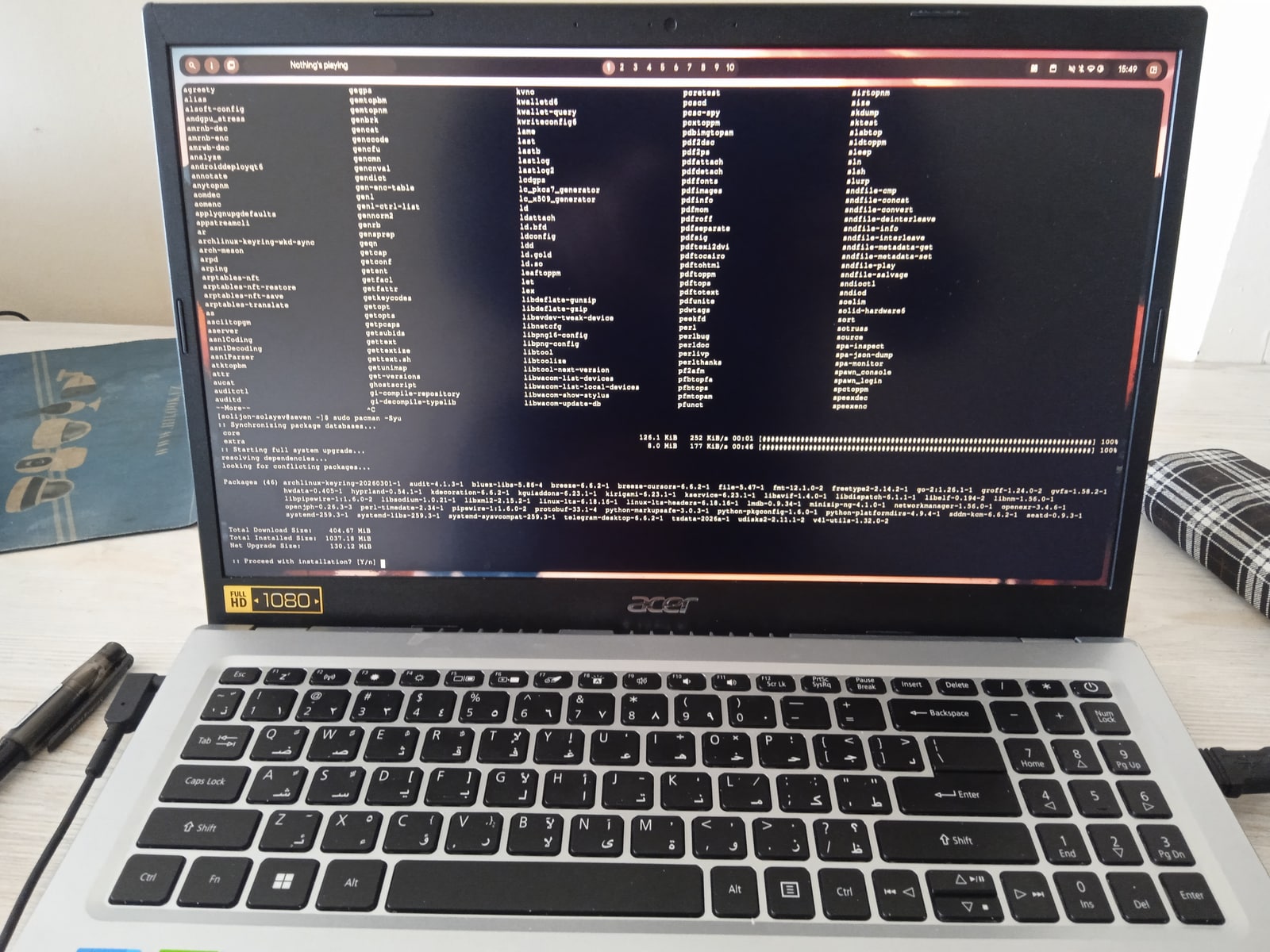
The November release gives a rolling system a way back
CachyOS released a new installation image on November 22 with a recovery environment that can boot a Btrfs snapshot before making a rollback permanent. The Arch-based distribution also released Package Installer 2.0, which brings several kinds of Linux software into one browser, and added a separate kernel for compatible games that use Easy Anti-Cheat Linux v2. Phoronix reported the image was available on Sunday, and the project lists the installer as build 261122.
The recovery change has the broadest practical value. A rolling Linux distribution can deliver a new graphics stack or kernel through an ordinary update. If the display stops working after a reboot, an older filesystem state might still be available. Reaching it can be the hard part when the desktop that normally exposes the restore tools is the thing that failed. CachyOS is giving that job a separate boot environment.
Boot an earlier snapshot before committing to it
The recovery package adds a self-contained environment that can be selected from firmware or a supported boot menu. On UEFI systems, the project puts it on the EFI system partition as a unified kernel image. From there it can present Btrfs snapshots without needing the installed desktop or the Snapper management tool. The temporary boot uses a writable overlay, so a user can see whether an older state gets them back to a functioning session before choosing to restore it.
That trial separates two questions. Does the older system reach a usable desktop? Does restoring that older system make sense for the work that happened since the snapshot was taken? A successful boot can answer the first. For the second, check what your layout actually includes. The project’s filesystem documentation shows a separate home subvolume in its default Btrfs layout. A system rollback can therefore change installed packages and system configuration while leaving the current home files in place. Other layouts can behave differently.
There is still a place for a live USB and another copy of important files. A snapshot shares storage with the filesystem it came from. If the drive fails, both may become unreadable. The new environment helps when the installed operating system is difficult to reach and the drive and available snapshots are intact. Its most useful check is one to do before a bad update: confirm you can reach recovery and see a snapshot you recognize.
One installer covers several software sources
Package Installer 2.0 keeps the CachyOS and Arch repositories in the app and offers opt-in support for the Arch User Repository, Flatpak and AppImage. Each choice changes where responsibility lies. Repository packages arrive through the distribution’s package infrastructure. The AUR lets community contributors supply build instructions. Flatpak has its own packaging and permission model, while an AppImage is typically a downloadable executable bundle. CachyOS can add a local AppImage to the application menu and track releases for one installed from a GitHub project.
The common interface is useful when a tool exists in several formats. It can also make very different trust decisions look similar. The project says its AUR view displays build instructions and install scripts, highlights certain patterns and can show what changed since the installed version. That gives a reader something specific to check. A warning can draw attention to a line, while a quiet review screen leaves the maintainer and upstream download just as important. If you pick an AppImage from a project page, check who controls the release and how you will learn about updates.
The gaming kernel has a separate job
The optional Easy Anti-Cheat kernel is a separate boot choice. The CachyOS guide lists Secure Boot, TPM 2.0, an enabled IOMMU and a restricted kernel among the prerequisites for EAC’s Linux v2 checks. The project supplies signed modules for specific hardware and software, including certain NVIDIA drivers. Drivers or components installed through DKMS can be unavailable under that boot entry. The project also describes GRUB support as experimental.
A compatible boot chain gets the computer to the game’s own checks. The game and its anti-cheat setup still decide whether it can start. A player looking at this release for one title should verify support for that game and consider whether normal use depends on modules that the dedicated kernel cannot load. On a shared Windows and Linux computer, the official guide flags another practical consequence. Changes to Secure Boot keys can prompt BitLocker recovery or a passphrase for a TPM-bound Linux disk.
What to check on an existing system
CachyOS gives existing installations a migration step for the new graphics-startup service. It asks users to finish a full system update and then reapply their driver profile through the project’s hardware detection tool. The release announcement gives the exact commands. Connect the reason to the change: the distribution now waits for the GPU driver through a different service, so the driver profile needs to match the new setup. Owners of an existing system can follow that guidance without treating the new installation image as a requirement to reinstall.
The improvements answer two ordinary problems on rolling Linux: knowing what you are installing and having a path back if the system stops starting cleanly. The package browser gives you a chance to inspect the source. The recovery menu gives you a chance to inspect an earlier system. For a daily-use machine, confirm both while the computer is working, and keep a copy of anything you cannot replace away from the disk that would have to be restored.
Sources & Methods
We checked the November 22 release and installer coverage against the project’s filesystem, recovery and anti-cheat requirements. Upstream Btrfs documentation establishes what snapshots can protect.
- CachyOS November 2026 release — Primary announcement, installation image and instructions for existing systems.
- CachyOS November changelog on the official forum — Primary release timeline and the discussion of existing and new installations.
- Phoronix on the November ISO and recovery — Independent reporting on the release becoming available and the scope of its additions.
- Phoronix on Package Installer 2.0 — Independent reporting on its supported sources and review features.
- CachyOS guide to Easy Anti-Cheat Linux v2 — Primary setup documentation for boot requirements, module limits and per-game verification.
- Btrfs documentation on subvolumes — Upstream explanation of snapshots, shared storage and what an independent backup protects.
- CachyOS filesystem layout — Primary documentation of the default Btrfs subvolumes and alternative filesystems.
- Arch Linux laptop photograph — Original photograph, author credit and capture date.
- CC BY-SA 4.0 — Reuse and attribution terms for the photograph.
