
An announcement is the start of the check
Google published the October Android Security Bulletin on October 5, 2026. It says a security patch level of 2026-10-01 or later addresses the listed issues. The patch-level label is not the announcement date.
For a reader, the useful question is concrete: what is installed on this phone? Opening a news story, seeing an update notification and completing an installation are three different events. Our proposed record treats them separately, so a reminder never becomes an accidental claim that the work is finished.
That distinction is especially helpful when several people share responsibility for a device. A simple note can name the phone, record when someone checked it and state what remains to be done. The person returning to the task should not have to reconstruct its status from a notification that has disappeared.
Source notes: 1. Editorial interpretation and illustrative calculations are identified separately.
Critical describes the issue, not an observed incident
The bulletin describes its most severe issue as a critical System vulnerability permitting local privilege escalation without additional execution privileges or user interaction. Its assessment assumes mitigations are disabled or successfully bypassed.
This should prompt an update check, not a claim that a particular phone has been attacked. The bulletin does not report active exploitation. We have not reproduced an exploit, inspected an affected device or measured the protections on any reader’s phone.
Our reading separates three questions: what the published vulnerability can permit, whether the relevant fix has been delivered, and whether there is evidence of an incident. Combining them into one alarming sentence removes the information a reader needs to act. Severity gives a reason to pay attention; it is not a diagnosis of the device in your hand.
Source notes: 1. Editorial interpretation and illustrative calculations are identified separately.
Keep the version and update dates in separate boxes
Google’s Android help identifies separate Settings fields for Android version, Android security update, Google Play system update and build number. It directs readers through About phone or About tablet to Android version.
Our proposed note copies each displayed field under its own heading, rather than replacing them with “latest Android.” Add the time of the check. If a field cannot be found, record that uncertainty instead of inventing a date or treating another field as its substitute.
For example, imagine a fictional owner who records an Android version and a Play system date, but leaves the security-update field blank. The record is incomplete for this article’s question, even if both visible entries look recent. A precise list makes that omission obvious and helps the owner ask the manufacturer a specific question.
Source notes: 2. Editorial interpretation and illustrative calculations are identified separately.
The final check comes after the installation
The official guide points to System, then Software updates, for checking availability; schedules vary by device, manufacturer and carrier. It says downloaded Pixel updates become active after a restart, while many other devices restart during installation.
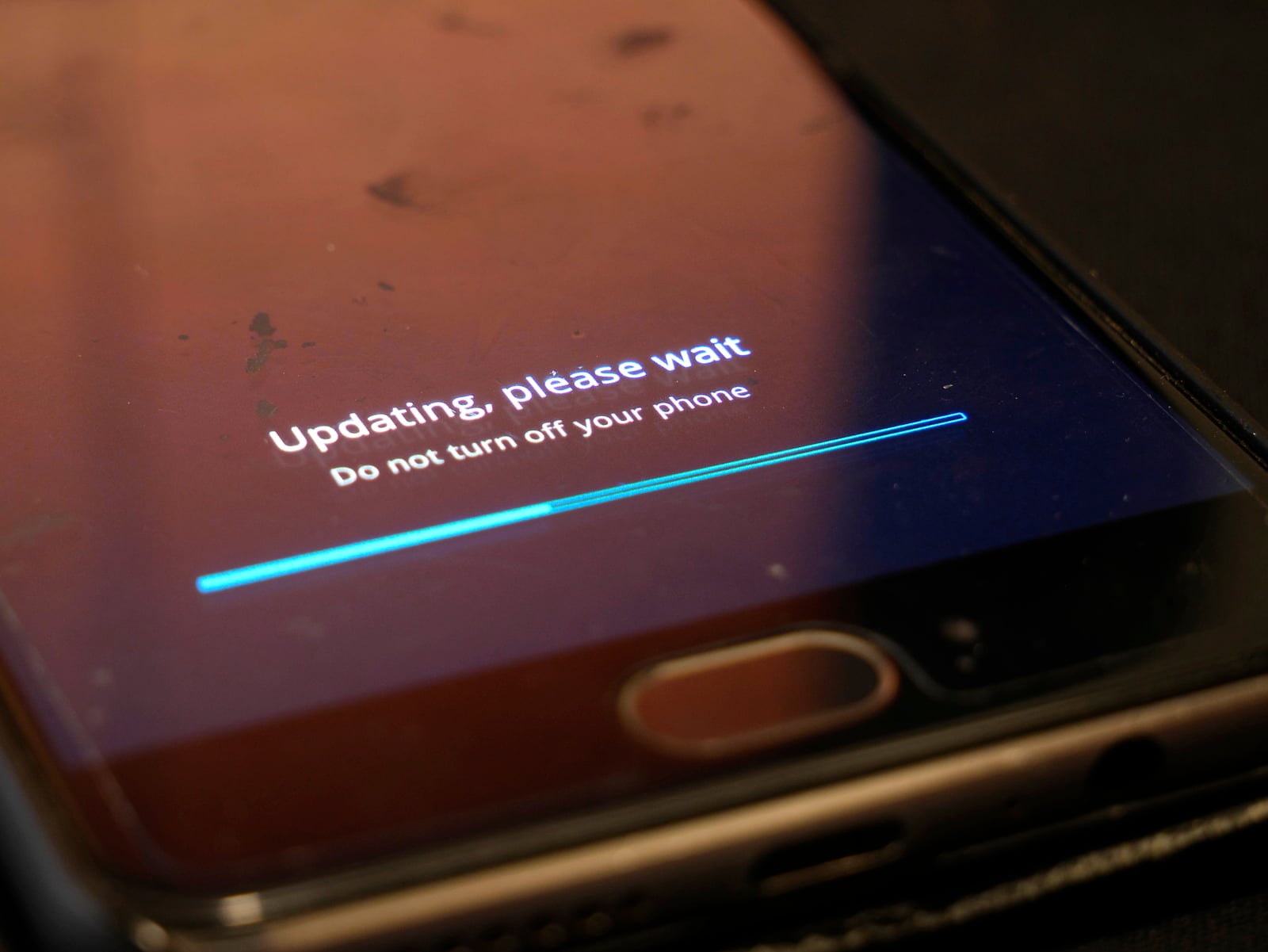
Our proposed workflow is to follow the device’s official instructions, allow the requested installation and restart to finish, then reopen the same information fields. Compare the before-and-after record. A download progress bar establishes progress in a task, not the final installed state.
If nothing changes or no update is offered, preserve that result honestly. Consult the device maker’s support information for the exact model rather than assuming that another owner’s screenshot applies. This is a checking workflow, not a recommendation to install an unofficial image, disable security features or attempt a vulnerability demonstration.
Source notes: 2. Editorial interpretation and illustrative calculations are identified separately.
A small fleet needs an accountable exception list
For a household, studio or small office, our proposed checklist has one row per device: model, current security date, update availability, completion state and next action. Name a responsible person without including account passwords, recovery codes or other secrets.
A fictional studio might have three phones: one checked after installation, one waiting for a scheduled update window and one whose support status needs confirmation. Calling the whole group “updated” would conceal two different tasks. Keep both exceptions visible until there is evidence that resolves them.
Set a next check rather than promising a delivery date you cannot control. This proposed process does not prove fleet security or replace incident response. Its limited purpose is to make the maintenance question inspectable: which devices have a recorded outcome, and which still need someone’s attention?
Source notes: 1, 2. Editorial interpretation and illustrative calculations are identified separately.
A good update record makes the next action clear
The practical takeaway is not to memorize a vulnerability list. It is to turn a dated bulletin into a repeatable check that distinguishes publication, availability and completed installation. Readers should be able to find their own device’s state without interpreting a marketing headline.
Our checklist is editorial guidance, not a performed audit or a guarantee against compromise. The checked sources establish the bulletin’s scope and the official update procedure; they do not establish what any particular phone is running. A useful final note therefore says both what was observed and what remains unresolved.
Source notes: 1, 2. Editorial interpretation and illustrative calculations are identified separately.
Sources & Methods
We read the October 5 bulletin and official Android update guide. The record, studio scenario and checklist are Lumacta proposals, not performed device checks. No exploits were run and no reader’s phone was inspected.
- Android Security Bulletin — October 2026, published October 5 — Dated primary security bulletin
- Google Android Help: Check and update your Android version — Primary device update instructions and delivery caveats